

Android 17 gives us an early look at Pixel 11 Pro Fold’s stunning wallpapers

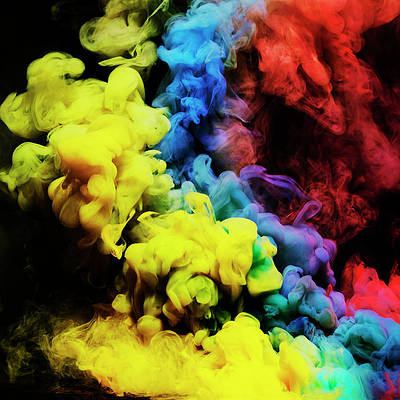
Wallpapers are an important part of any phone, offering a way to add a dash of personality to a device that millions of other people around the world also own. And while some of the best options come from others’ contributions, we also like the more subtle ones that Google and other brands include with their latest products.
With that said, we’re now getting an early look at some of the wallpapers that will reportedly be included with the Pixel 11 Pro Fold. The wallpapers were found tucked away in the latest Android 17 release, giving us a good look at some of the possibilities that could be included with the upcoming device.
We like what we’re seeing
The wallpapers were discovered by Dylan Roussel on X, providing four images and other information like the labels that were attached to the files as well (via Android Authority). Roussel shares two titles found in the files, with “Pine: Tidal Swirl and Midnight: Lunar Tides.” Similar to wallpapers we’ve seen in the past for other Google devices, the wallpapers are color-matched.
However, Roussel does share that the new color names for the Pixel 11 Pro Fold are not present in the software. Personally, I’m a fan of these types of wallpapers and prefer them to the more abstract options that sometimes appear on phones. Naturally, it will be some months before we get to see the new phones, with Google debuting its recent lineups in the summer.
Although I’m excited to see what comes next, the early renders of the Pixel 11 seem to show simple refinements. That’s not a bad thing, but after years of the same design, it’d be nice of Google to mix things up. Of course, it’s the improvements that come with each release that really matter, so there’s hope that something big will be included.
Subscribe to our newsletter for Pixel wallpaper insights
For now, we’ll just have to be content with getting bits and pieces of information. And as always, we know that things can change, so what we see in the code isn’t necessarily something that we’ll see when the final products arrive to the public.




