

The canceled Pixel Tablet 2 would’ve fixed one of the worst things about the original


Key Takeaways
- Canceled Pixel Tablet 2 was planned for 2025.
- New report details Pixel Tablet 2’s upgraded display, cameras, connectivity.
- Pixel Tablet 3 is apparently still in development, rumored to have two USB-C ports, support for multiple external displays.
Late last month, we learned that a device that would’ve been the Pixel Tablet 2 had been canceled. A sequel to the Pixel Tablet that launched last year, the new tablet was reportedly planned for release in 2025. Now, thanks to a report from Android Authority, we’ve learned a little more about the shelved Pixel Tablet 2. It sounds like the tablet would’ve been a pretty standard upgrade, with improvements to the display, cameras, and connectivity, with more changes planned for a subsequent Pixel Tablet 3 (which, as far as we know, is still in the works).
Citing documents provided by a source inside Google, Kamila Wojciechowska writes that the canceled Pixel Tablet 2 would have shipped with a handful of expected second-gen updates. It would’ve had a slightly brighter, much faster 120Hz display, up from 60Hz on the first generation; improved camera sensors made by Samsung; and a version of the Tensor G4 chipset that powers the Pixel 9 series. Google had planned to offer a version with 5G connectivity and GPS support. (The first-gen Pixel Tablet is Wi-Fi-only; Google’s said that’s because it’s a device you’re meant to use at home.) The Pixel Tablet 2 would’ve also come with a Thread radio, which could have allowed it to directly control smart home devices.
The second-gen Pixel Tablet would have offered DisplayPort connectivity at up to 4K. With the ability to connect to an external display and a planned keyboard attachment, the Pixel Tablet 2 would have been well positioned to take advantage of the windowed app support that’s currently testing in the Android 15 QPR1 beta.
The Pixel Tablet 3 that’s apparently still in development is rumored to come with two USB-C ports and support for multiple external displays. Wojciechowska points out that the second-gen Pixel Tablet would’ve kept the same form factor as the original, so Google could potentially release the in-development keyboard and stylus accessories for the first-gen model at a later date. There’s no indication that’s Google’s plan, however.
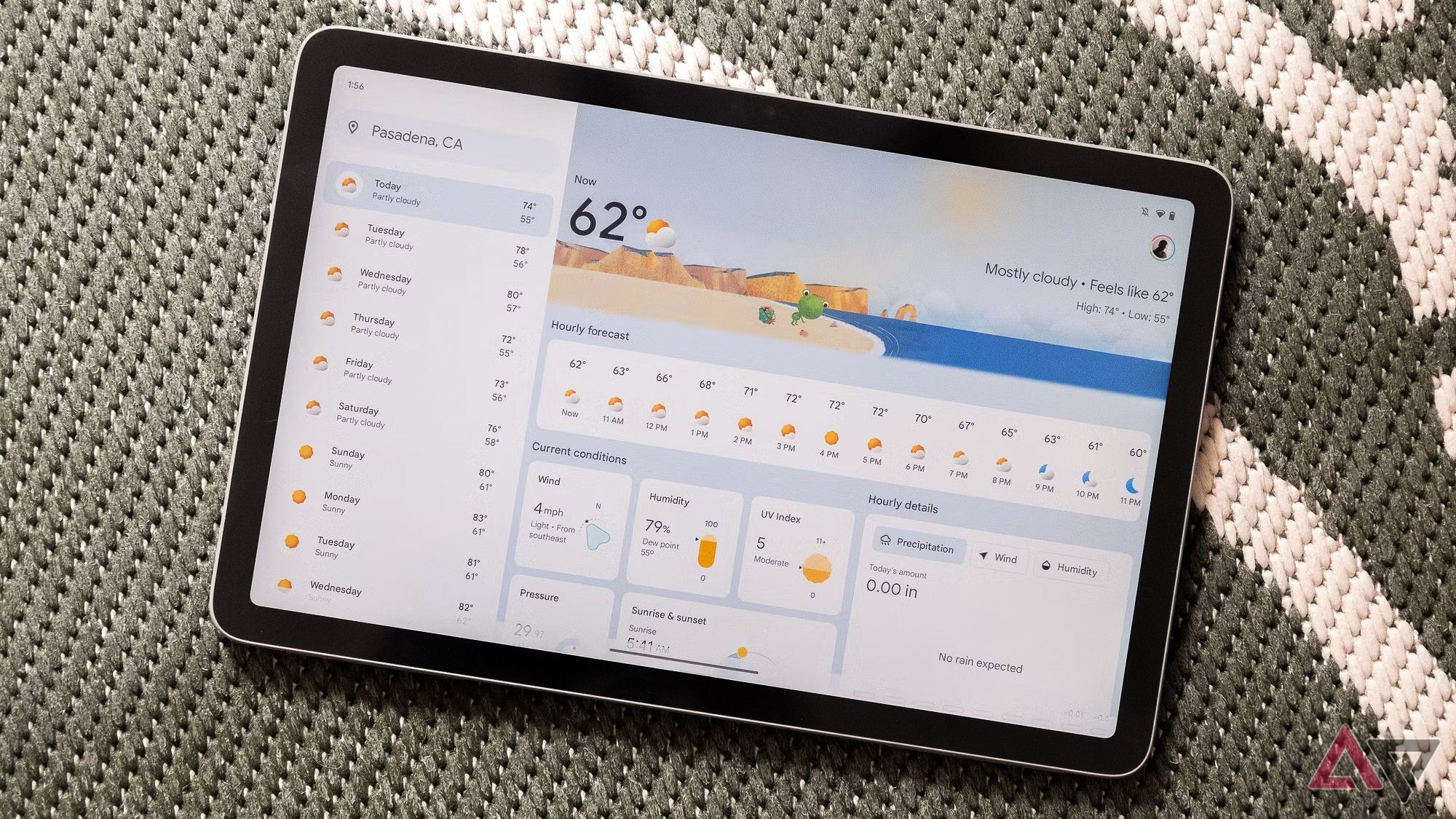
The Pixel Tablet 2’s cancelation fiasco proves Google’s lack of commitment
Why isn’t this idea a slam dunk?
The Pixel Tablet 2 sounds like what the Pixel Tablet should have been
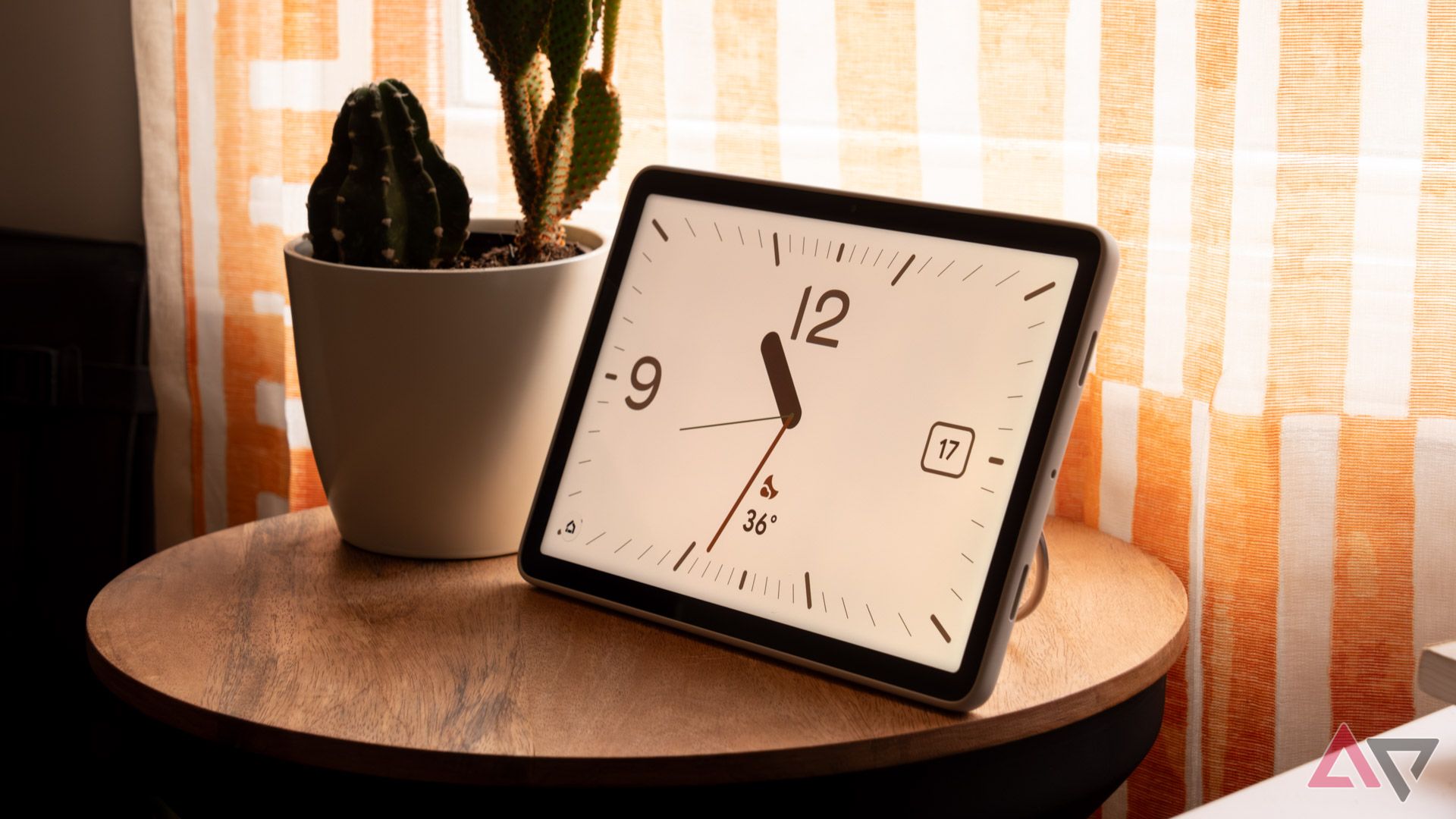
The original Pixel Tablet is an interesting concept that I don’t think was executed particularly well. At $499 with the bundled charging dock that turns the tablet into a smart display, it’s always felt too expensive for what you get. The canceled Pixel Tablet 2, with a more modern display and improved connectivity options, sounds more competitive than the original. Still, releasing a product that looks and feels like the first-generation Pixel Tablet into a market where the redesigned base-model iPad is regularly on sale for $280 doesn’t seem like a winning strategy.
As far as we know, the device that would have been the Pixel Tablet 3 is still in development. That tablet is reportedly planned to bring bigger changes versus the original model, like an updated build and the enhanced DisplayPort support I mentioned above. We’ll have to see what comes of that, though — 2027 is a long way away.




