I’m finally giving up on Google Photos, here’s why

Google Photos used to be the gold standard for photo management, but the magic has started to fade.
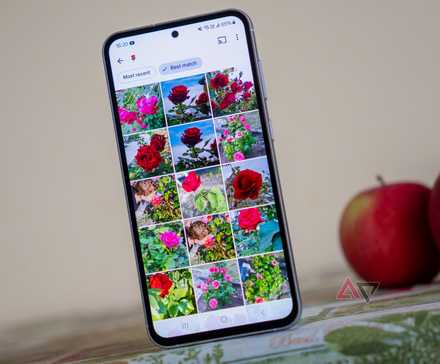
Between the cluttered UI, the forced integration of Memories I didn’t want to see, and the declining quality of the once-perfect search algorithm, the app has become a mess rather than a helpful tool.
After years of hesitation, I decided to do something different. I’m finally pressing the export button and giving up on Google Photos.
The alternative I found is not only cheaper — it’s better.
The AI bloat and UX frustration
I remember when Google Photos was a gallery app first and a cloud service second. Today, it feels like an AI research lab that just happens to hold my pictures.
Every time I open the app, I’m greeted by an AI-powered highlight reel I didn’t ask for.
Google has become so obsessed with showing me what its algorithm can do to my photos that it forgets I just want to see them.
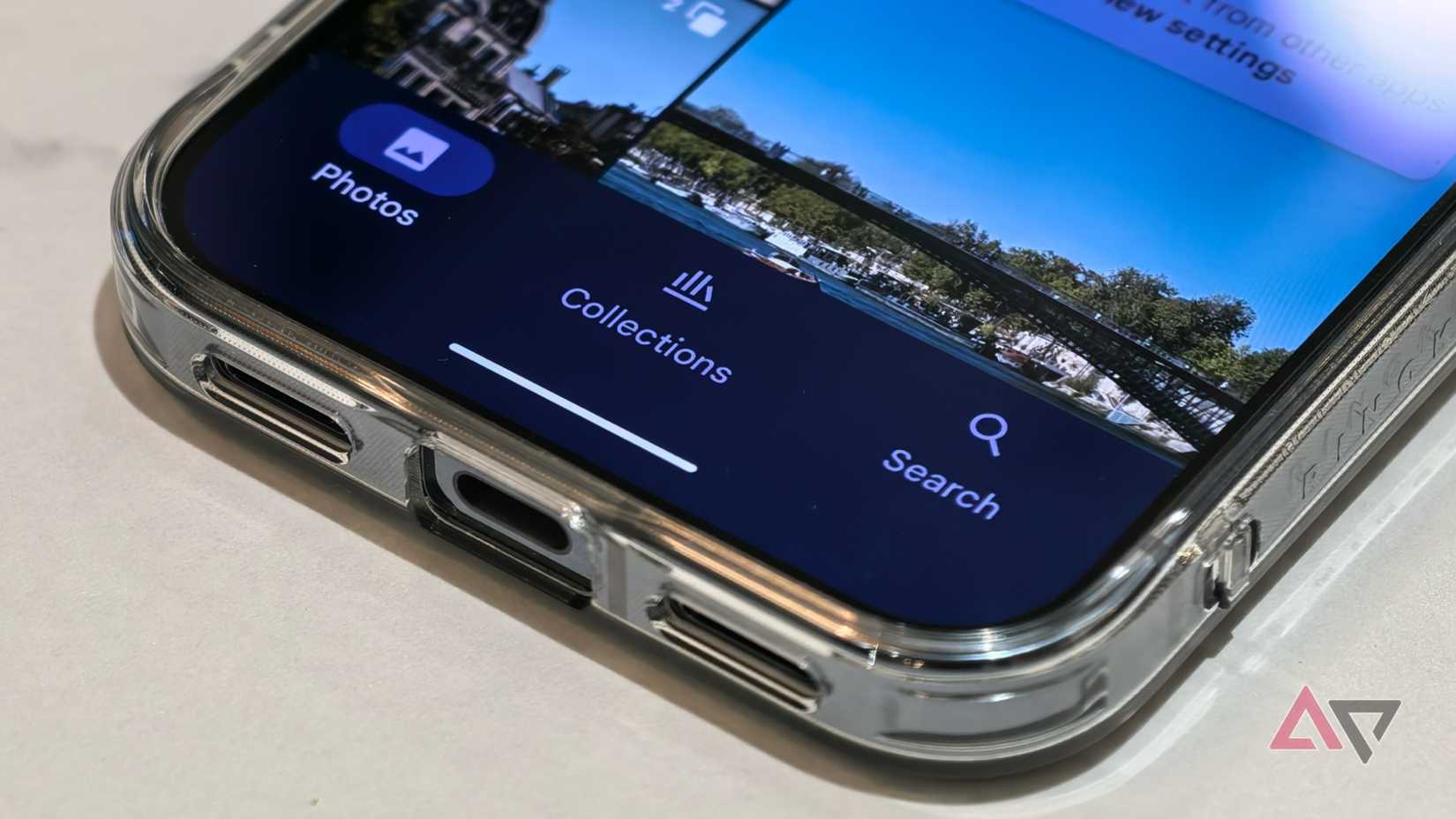
The interface has become a cluttered mess of pill-shaped badges.
Google buried the basic editing tools I used to love — like simple cropping or light adjustments — under three layers of menus.
But the final straw for me wasn’t AI — it was the basic navigation.
In a desperate attempt to force us into a single unified cloud stream, Google has made accessing local device folders a complete nightmare.
If I take a screenshot and want to find it, the process is no longer a simple tap. It’s a hunt under several menus. It’s a four or five-step process to see a file that is sitting right there on my phone’s internal storage.
By putting everything into one endless, unorganized timeline, Google stripped away the folder-based logic that makes sense for local file management.
I’m tired of an app that tries to be smart by making the simplest tasks harder.
Performance issues and subscription creep
With a library of thousands of photos and a decade of 4K video, Google Photos feels like it’s constantly grasping for air.
Every time I open it, there is a noticeable lag where the app struggles to pull thumbnails from the cloud.
In 2026, scrolling through my history should feel like a smooth trip down memory lane, but instead, it feels like I’m fighting the hardware.
Even on a flagship phone, the app is so bogged down by its own database that basic searches take seconds to resolve.
I’m tired of seeing my phone heat up just because I wanted to find a picture of my car from three years ago.
Another issue has been with the pricing.
Like many long-term users, I have finally reached the 200GB limit. Logic suggests there should be a 500GB or a 1TB tier for people like me — something that costs a few dollars more but doesn’t break the bank.
But there is no middle ground. After you cross that 200GB line, Google expects you to jump straight to the 2TB plan.
I’m forced to pay for 1,500GB of empty space just to keep my email from bouncing and my photos from being read-only.
No shortage of alternatives
If you are already paying for a Microsoft 365 subscription for Word or Excel, you are sitting on a goldmine. Microsoft’s OneDrive offers a massive 1TB of storage included in the plan.
It has an auto-camera upload feature that works just as reliably as Google’s, and it integrates directly into my PC’s File Explorer.
If you are looking for a local, privacy-first experience on your phone, I have discovered Fossify Gallery.
It’s a fork of the Simple Gallery, and it is exactly what a gallery app should be: lightweight, open source, and entirely offline.
It doesn’t try to categorize my life or sell me AI features; it just shows me my folders. Accessing my screenshots folder or a specific download is just a tap away.
For those of you who want the cloud experience without compromising on privacy, there is Nextcloud. I have been experimenting with self-hosting, and while it takes a bit of a learning curve, the payoff is incredible.
I have my own private cloud running at home where I set the rules. There are no storage full notifications unless I physically run out of hard drive space.
Whether you move to the polished ecosystem of OneDrive, the privacy of Fossify, or the independence of Nextcloud, the power is entirely in your hands.
Life after Google Photos
Giving up on Google Photos was a massive project, but it was the most necessary digital cleanup I have done in a decade.
It’s a bit more work to manage things myself now, but every time I open my new gallery, I know exactly where my data is and who has access to it.
If you are feeling the same subscription fatigue or a growing unease every time you see a new AI feature, know that there is a life outside the Google ecosystem.
You can even move to OneDrive, which now offers a media-focused gallery experience on Android.