These 8 apps made it to my Android Wrapped list — my phone habits have changed


Last year, my Deezer app disappointed me by failing to show my musical recap. It was likely a technical glitch, but it stung.
I’m among people who look forward to end-of-year summaries like that.
Because I don’t bounce between many apps, my Spotify, YouTube, and other algorithmic recaps were underwhelming. I didn’t make enough noise to turn into insight.
Surprisingly, the most valuable version of my year came from the least glamorous place possible.
According to Android’s Digital Wellbeing menu in settings, I actually succeeded in one of last year’s resolutions.
I reduced social media access. These eight apps replaced them, and I’m better for it.
Netflix: Removing unnecessary distractions
Credit: Kapwing
TikTok and Instagram Reels were my biggest problems.
I usually told myself I’d spend a few minutes on the apps before closing them. Eventually, those minutes turned into hours because there’s no natural stopping point.
I managed to uninstall them and other apps.
Because I had to use the websites to keep up with people and content, it slowed my impulse to engage in distractions.
I’ve since redirected those cravings to Netflix, and it’s much better.
Sitting through an entire movie or finishing an unfinished series requires patience. You’ll have to concentrate on a full story.
It’s calming and reduces the anxiety that comes from constantly switching contexts while never fully landing anywhere.
Two hours spent on one film felt more restorative than spending the same time hopping between multiple clips of brain rot.
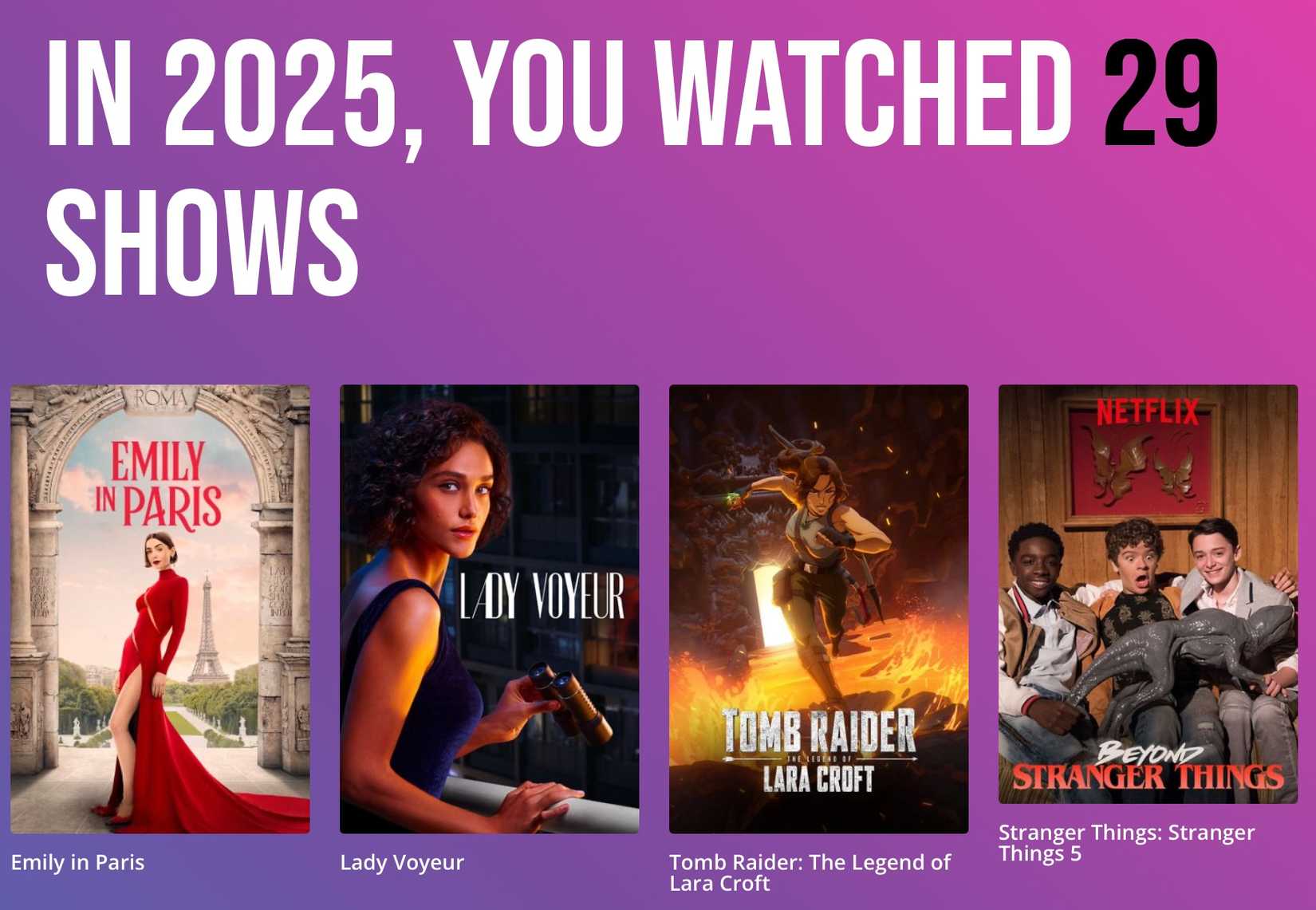
My Netflix Wrapped data is my witness. I’ve spent 33,395 minutes on the app and watched 29 shows in 2025.
Like Android, Netflix doesn’t offer an official Wrapped list. But you can make one.
Download your viewing history as a CSV file and upload it to the Kapwing website. It breaks down your binge habits and total viewing time.
Call of Duty: Mobile: Going from lone wolf to team player
I’ve been a fan of Call of Duty Mobile since it launched in 2019. I have it installed on Android and iOS.
The Battle Royale lobby is where you’ll always find me.
When I’m not on my console or working, I load the game and squad up with available friends for stress relief. It’s also an escape from reality.
It calls for situational awareness you’re not ordinarily required to sustain in everyday life. It makes you feel like you’re in an actual battle where your decisions matter.
So, you have to take every moment seriously. Teamwork, especially, has been my biggest lesson.
I’m usually a lone wolf and comfortable figuring things out on my own.
Still, I enjoy taking directives, communicating, leading my own squad when needed, supporting teammates, and trusting others with my back during gameplay.
Pinterest: Becoming my best version of me
Pinterest has become my best social media noise substitute. It invites reflection and has been great for my mental health these past months.
I use Pinterest to organize ideas and aesthetics. More recently, to shape my 2026 vision.
Everyone keeps saying it’s time to “lock in,” so I’m using the app to do so. Locking in means deciding and committing to who you’re becoming while filtering your attention accordingly.
My vision boards give me a clearer picture of the woman I intend to be this year.
I’ve moved past saving vague affirmations and now plan how I rest, dress, think, and move through the world.
ChatGPT: Turning me into a better writer
ChatGPT has seen some of my most embarrassing questions and great ideas.
The app has become central to how I plan my workflow. I like using it to test multiple angles for the same topic to see which one is more logical.
In particular, I like to simulate reader reactions when writing articles to help me identify gaps in explanations.
If I’m writing about foldable phones, I might explore one angle focused on durability concerns, while the other covers pricing and value.
I’ll then ask ChatGPT to respond as a reader encountering each version for the first time.
The AI may act confused or curious and ask things like “Why does this matter?” or “How is this different from existing advice?” I’ll know what my post is lacking and how to provide it.
LinkedIn: Growing my career
Ironically, I’m no fan of LinkedIn. The platform feels overcrowded with performative success stories.
Worse, there’s now an endless wave of AI-generated motivational posts that say very little. It’s made me more disengaged with my feed.
That said, the platform has earned my loyalty in a strange way. It landed me important roles in the past and connected me with people who genuinely changed the direction of my career.
I also take advantage of occasional Premium trial offers.
These offers help me study role patterns and see who’s viewing my profile. That way, I can tailor resumes and applications to match interesting jobs.
Google Chrome: Organizing my research
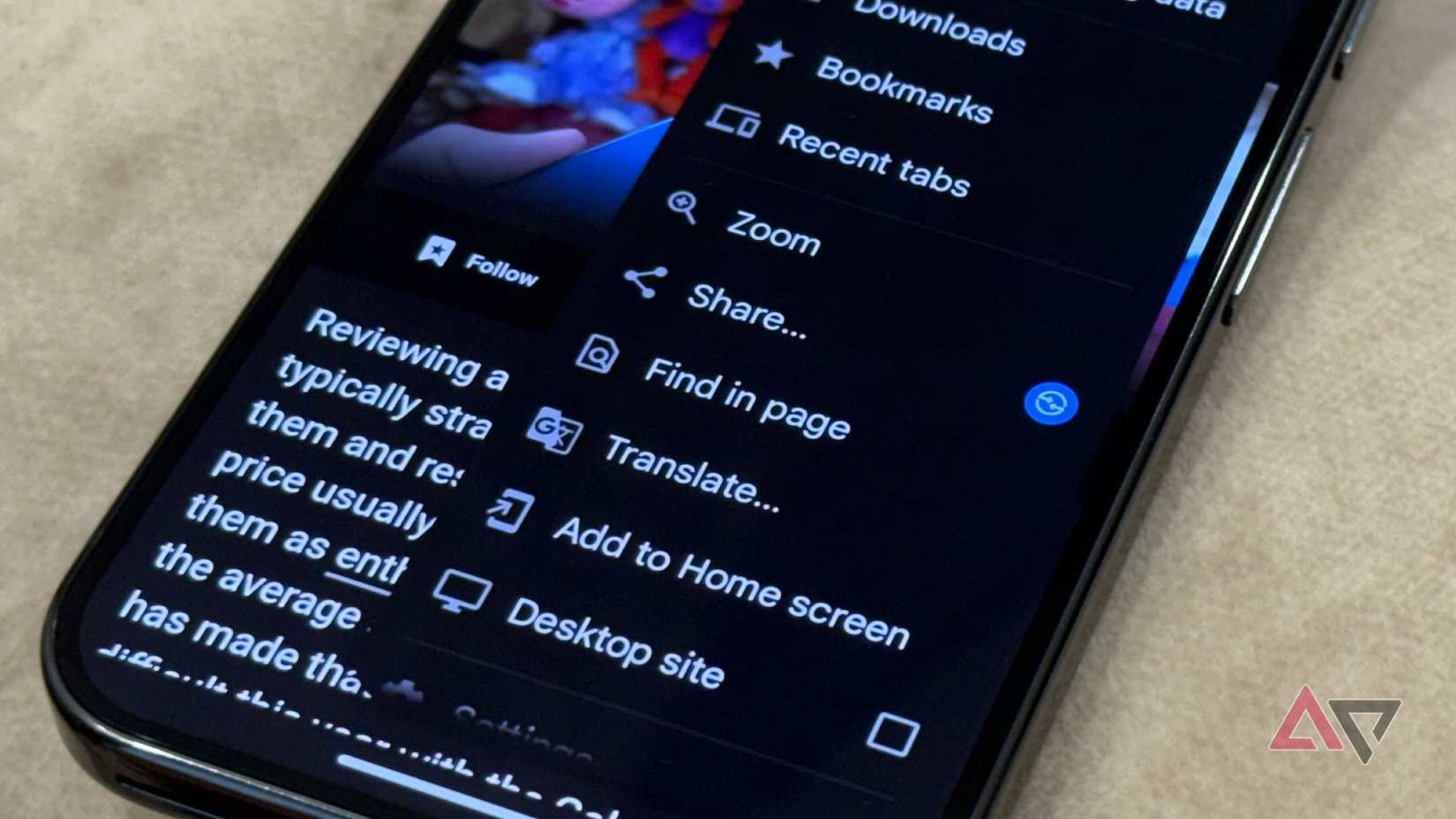
Although I’ve started warming up to Firefox for its add-ons and fast speed, Google Chrome remains my favorite browser because of its clean interface and how effortlessly everything works for me.
I use it to browse my favorite web apps live, download and organize content, and do research.
I always have an unreasonable number of tabs open. So many, in fact, that the browser mostly shows a smiley face in place of the tab count.
The Tab groups feature helps me organize them, even though it’s given me a headache in the past.
I group or collapse entire groups of ideas and structure my browsing experience in a way that’s not overwhelming.
Gmail: Uncluttering my inbox
Credit: Lucas Gouveia / Android Police
I monitor my Gmail like a hawk these days. It’s largely because I’ve taken on many tasks.
Between job applications, seminar registrations, workshops, and professional programs, my inbox has become a live dashboard of opportunities.
I can’t afford to miss an important email, or there would be real consequences.
I also enjoy the thrill of product review offers from brands and limited-time sales. I star them immediately, then revisit them later, so I don’t react impulsively.
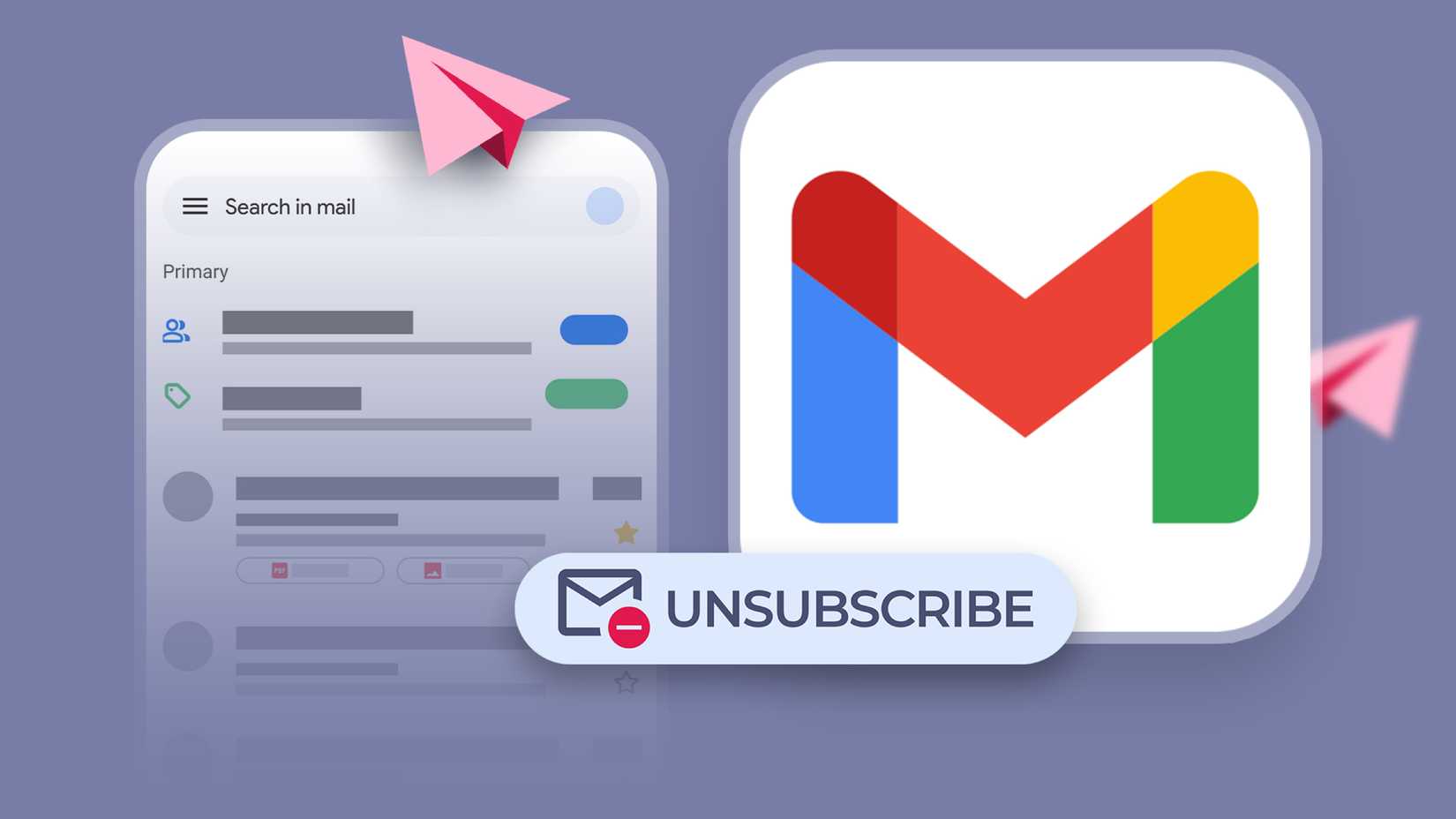
I’m grateful that Google finally made unsubscribing less painful. The in-email unsubscribe button removes the friction of hunting through tiny footer links.
Bulk selection is just as important. Being able to erase dozens of irrelevant emails at once is a lifesaver.
Google Docs: Capturing ideas while on the go
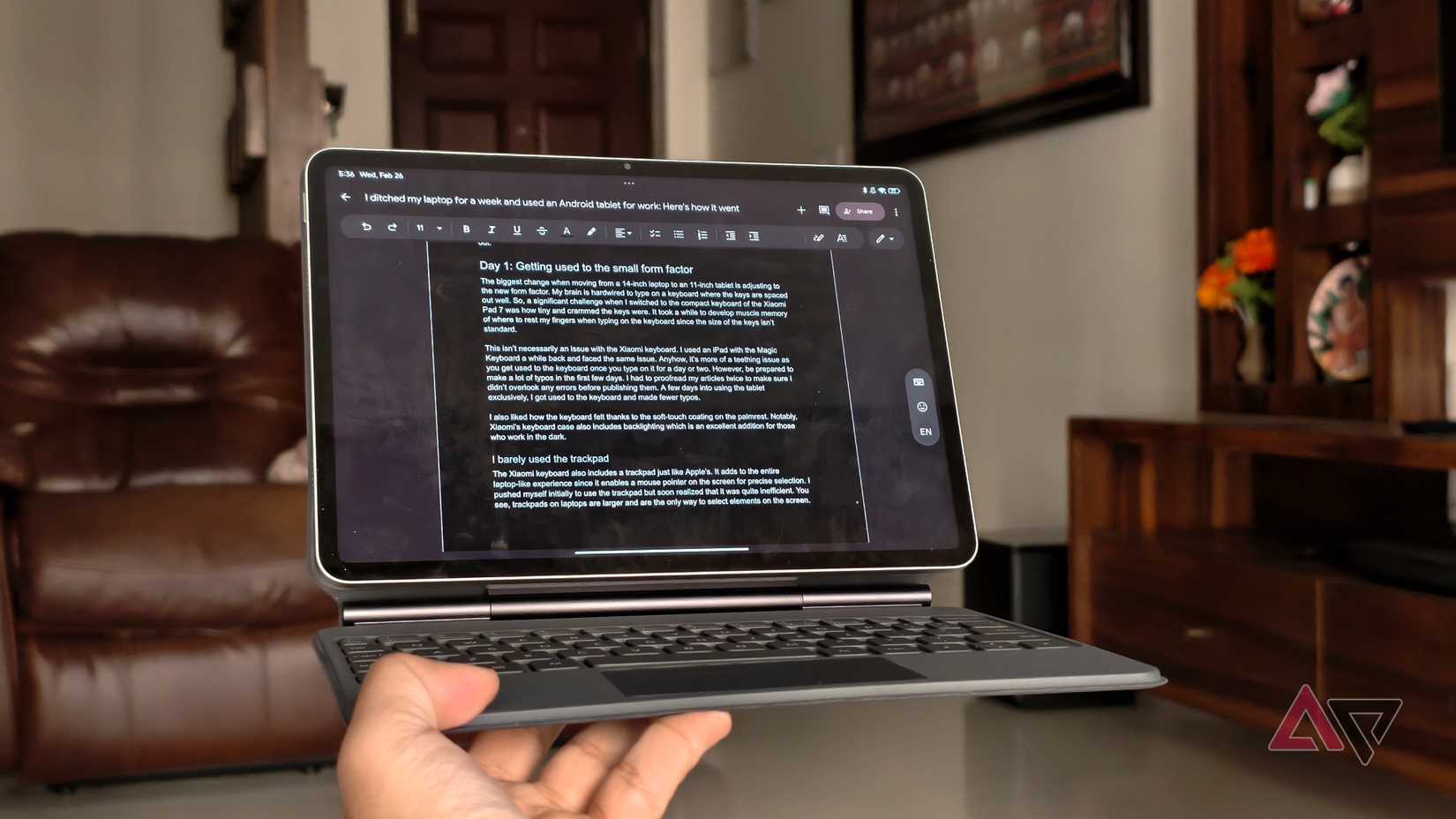
Google Docs is my favorite bridge between my phone and my laptop. It’s the easiest way for me to copy and paste text across devices without breaking my flow.
It’s also where I start drafting articles before they reach my laptop.
I’ve accepted that I’m not the person who hunches over a laptop typing for hours. My phone is my fastest keyboard. Ideas come to me while I’m moving or in between tasks.
The Google Docs mobile app lets me capture them immediately. I’d even use my phone as a temporary keyboard and mouse for my laptop.

My Android year in recap
My phone usage says I’m a digital minimalist who uses her phone as an extension of her mind.
I’m past reckless consumption and deeply engaged with ideas and growth. My average daily screen time is about seven hours.
Based on these habits, I sound older than my current age. I’m not entirely sure whether that’s something to be proud of or slightly concerned about.
On one hand, it suggests that I have a clearer sense of priorities. On the other hand, it makes me wonder how early I had to learn some lessons and if I’m growing faster than I should.
Regardless, I can’t wait to see what my phone usage reveals by the year’s end.