Google Meet makes shared media easier to see


Google Meet used to be a product that really didn’t get a lot of attention, but that all changed some years back, and it’s now become a staple service for virtual meetings for many. As you can imagine, Google has invested quite a bit into Meet, delivering new and useful features that help improve the flow of virtual meetings.
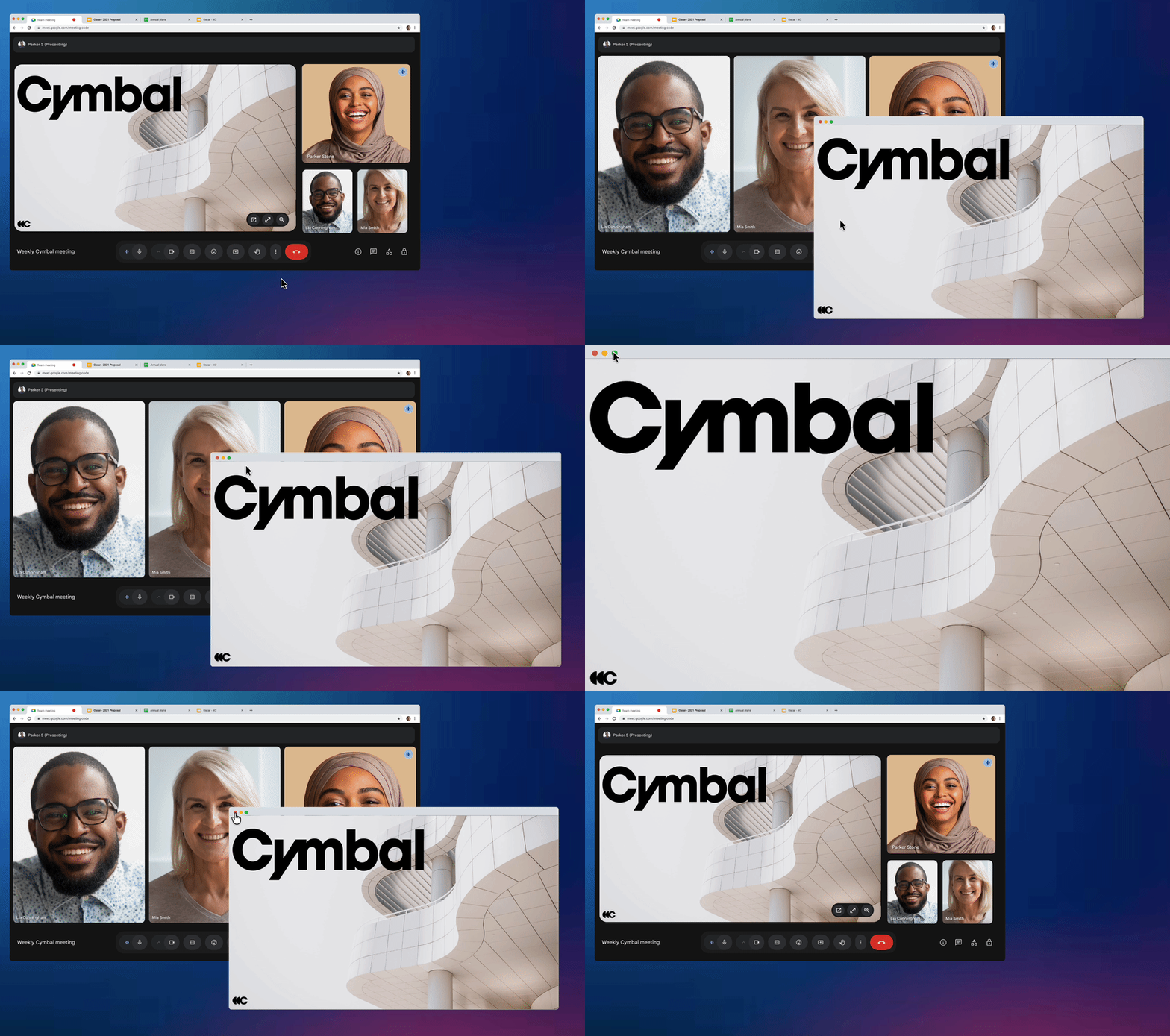
The most recent feature to land on the platform was real-time audio translations, which was a pretty impressive offering to say the least. Now, the brand is making a simple tweak that will further improve any Meets going forward, allowing users to “move screen shared content into a standalone window with the “Open in new window” option.”
A simple change that will make a world of difference
Credit: Google
The announcement of this new feature comes direct from Google (via Android Authority), shedding light that it will roll out to all users by the end of the month. As you can imagine, it’s a small change that’s going to make a world of difference.
Personally, there have been plenty of times when I’ve wanted to expand shared media into its own window to take a better look, and now that’s finally possible. This applies to all content shared, which means images, documents, and even screen sharing will be easier to see.
You can get a sense of how this feature will work by viewing the image above. There will be a button to open the media in a new window, which can then be made large or smaller depending on the user’s needs. For the most part, it looks pretty slick.
And those who frequently have to look at shared content will be able to explore it in a new way going forward. According to Google, Rapid Release domains should already start to see it, while Scheduled Release domains will start seeing it on February 23, 2026.
Google Meet can be used on Android, iOS, and through your computer’s browser. It provides a simple way to get a few or even a group together to have a video call or virtual meeting. While voice and video calling are some of the core features, you also get features like AI note-taking.
Meet can also deliver closed captions, along with real-time audio translations. For the most part, it’s an excellent tool that’s great for personal and professional use.